
AI-NATIVE ADDITIVE MANUFACTURING
MAKE IDEAS
MATTER.
AI-powered modeling. AI-guided dynamic slicing.
Software that shapes the model. A printer that follows an adaptive layer plan. One workflow from idea to object.
AI / FROM IDEA TO ADAPTIVE PRINT
AI from model
to motion.
Intelligence is part of the workflow. Gomicron’s AI-native software helps create and refine models, prepare geometry and plan the layers that M2 brings into the physical world.
- 01
Create & refine.
Start with a prompt or an existing model. Use AI to explore shapes, refine dimensions and develop the details.
- 02
Analyze & repair.
Inspect the geometry and resolve mesh issues with AI assistance before moving into print preparation.
- 03
Prepare & support.
Plan the orientation and generate supports in the same connected software workflow.
- 04
Slice for the shape.
AI plans finer Z steps through curves and detailed regions, and coarser steps through suitable simpler regions. One job can use more than one layer height.
The layer plan becomes machine motion. M2 advances its Z axis to place each exposure at the planned height. This layer advance is distinct from the release lift; ZPF supports the formation and release workflow separately.
Build your AI workflowAI-guided plan: smaller Z steps through this curved region describe its changing profile more closely.
01 / THE GOMICRON ECOSYSTEM
Every part.
One AI workflow.
AI-native software connects the digital model to the machine. Printers, materials and finishing hardware complete a workflow developed together, in-house.
AI FROM PLAN TO MOTION
Meet the M2.
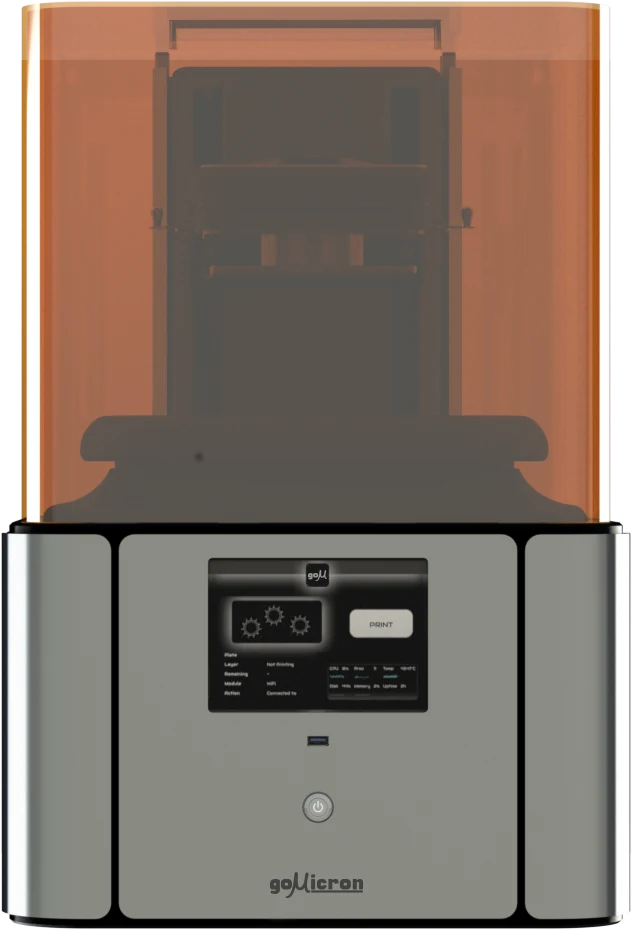
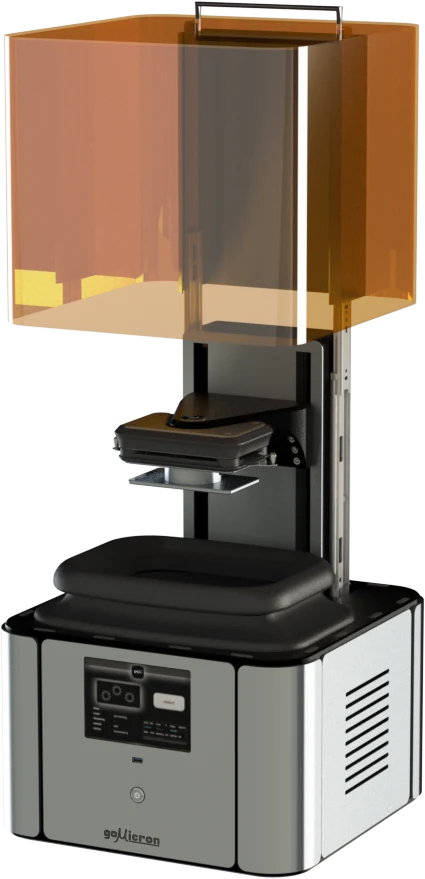
An AI-guided DLP resin printing platform. The software plans layer heights from the model’s geometry, and M2 advances its Z axis to place each exposure at its planned height. ZPF technology supports the layer formation and release workflow.
- AI-guided dynamic slicing
- Adaptive Z steps within a single job
- DLP resin printing with ZPF technology
Fine steps preserve detail where it matters. Suitable simpler regions can use larger steps in the same layer sequence.
Price your M202 / INSIDE THE TECHNOLOGY
ZPF — ZERO PEELING FORCEThe small layer
that changes
everything.
AI plans the layer heights; the printing process must form and release those layers. Our Zero Peeling Force technology focuses on the release interface, with a specially treated membrane at the heart of the tray.
- Oxygen-permeable
- A membrane designed for the resin printing process.
- Self-healing surface
- Engineered for repeated use in the printing tray.
- Light-transmitting
- Lets projected UV light reach the resin to form each layer.
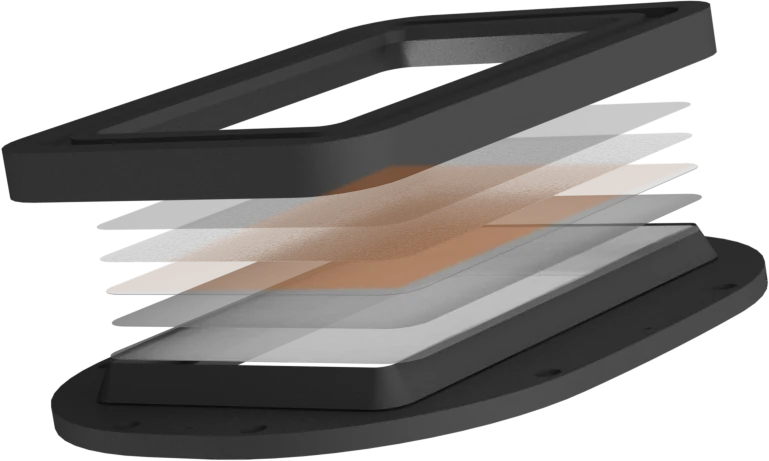
A digital light projector exposes the resin through the membrane, defining the shape of the next layer.
LAYER CYCLE EXPLAINED / CONCEPTUAL OVERVIEW03 / SIGNATURE MATERIALS
Choose what
your idea becomes.
Four signature resins. Different material directions. Explore the family, then talk to our team about the right formulation for your part.
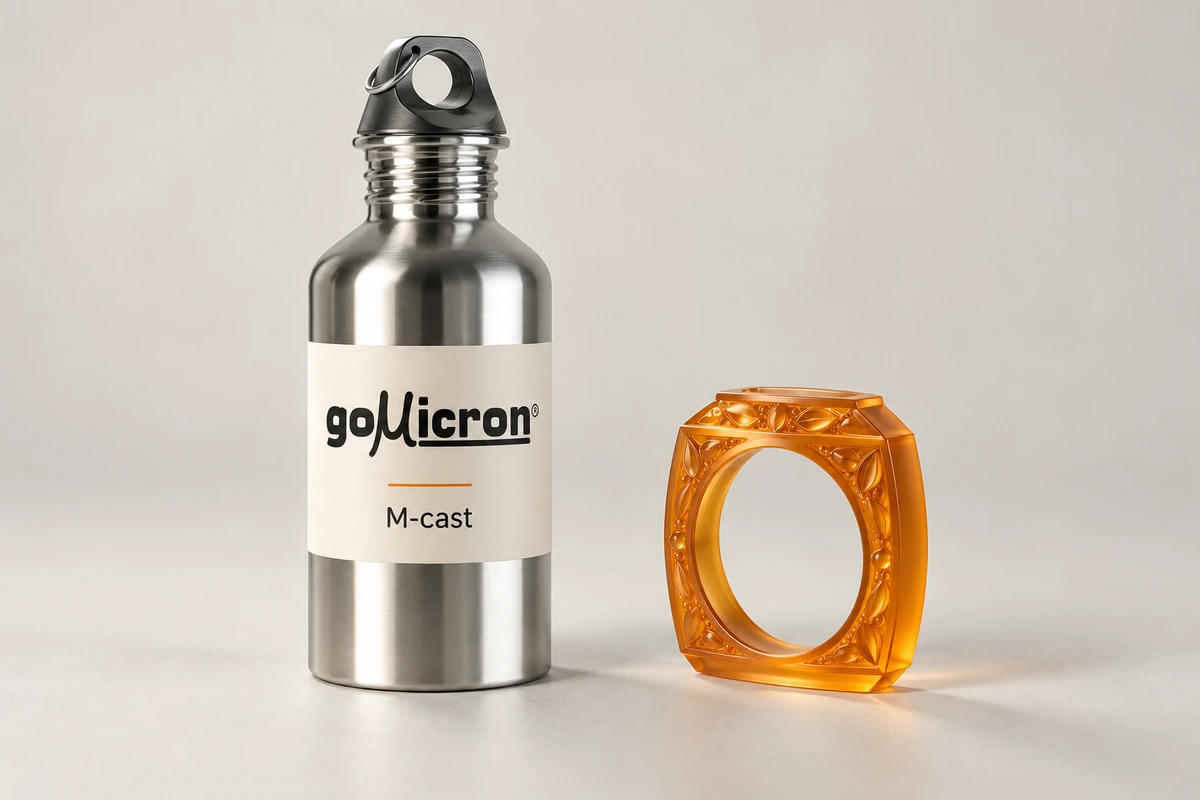
M-cast
A castable resin for detailed patterns, developed as part of the Gomicron material family.
FORMULATED IN-HOUSEMaterial descriptions indicate replacement directions, rather than chemical composition. Ask us for application-specific material guidance and compatibility.
04 / FROM POSSIBILITY TO PART
Built for the
things you build.
Explore where Gomicron’s technology can fit—from an intricate model to a functional assembly.
01Manufacturing & robotics
Make prototypes, complex geometries and parts for assemblies. Gomicron’s ecosystem is designed to connect digital design with additive production and robotic systems.
02Architecture & design
Bring scale, structure and detail off the screen. Create physical architectural models and explore designs through tangible iterations.
03Jewelry & intricate models
Explore small forms and intricate detail. Gomicron’s printing workflow has been tested with jewelers, with real printed pieces from the workshop shown here.
04Medical & dental development
Explore models, prototypes and complex geometries for medical and dental development. Our team can help assess the process and material requirements for your specific application.
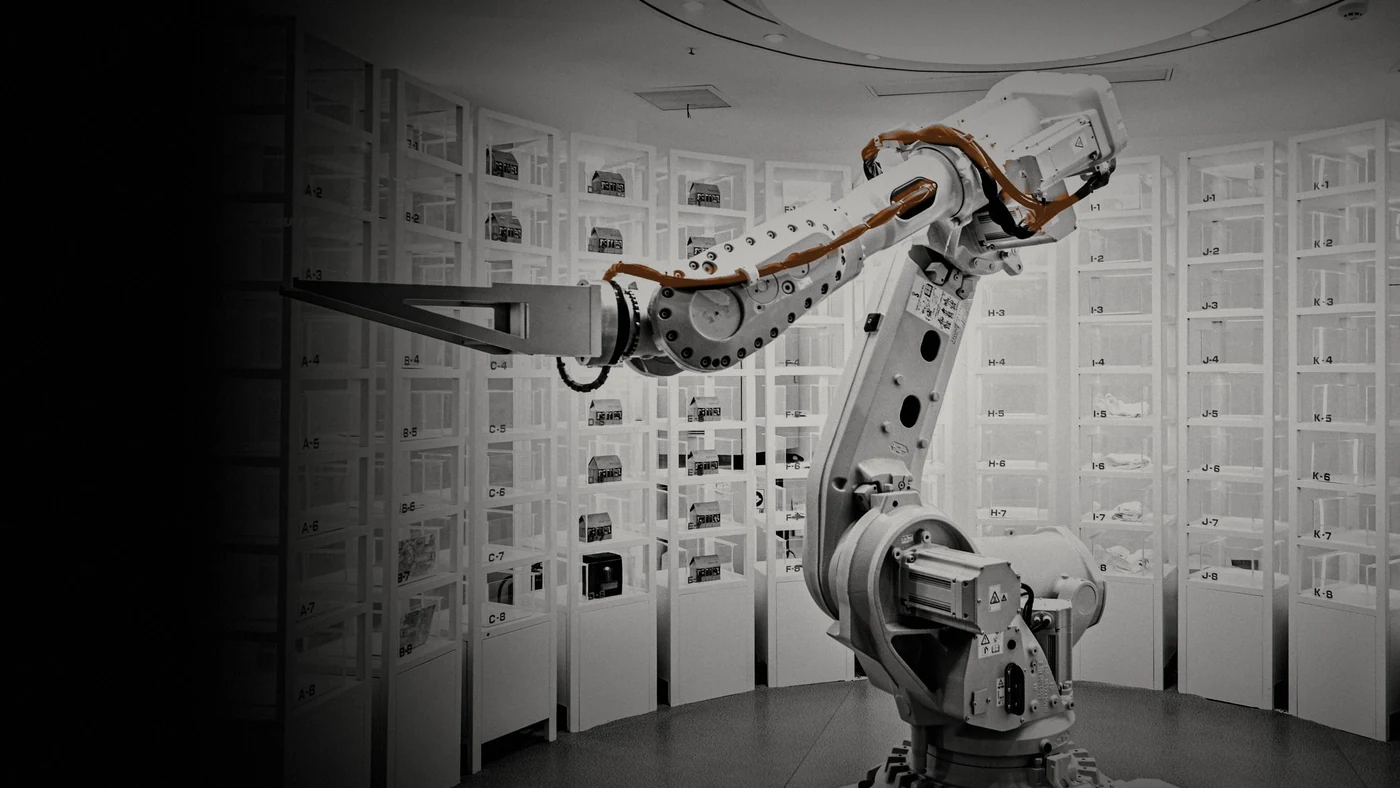
05 / FIELD NOTES
Real machines.
Real objects.
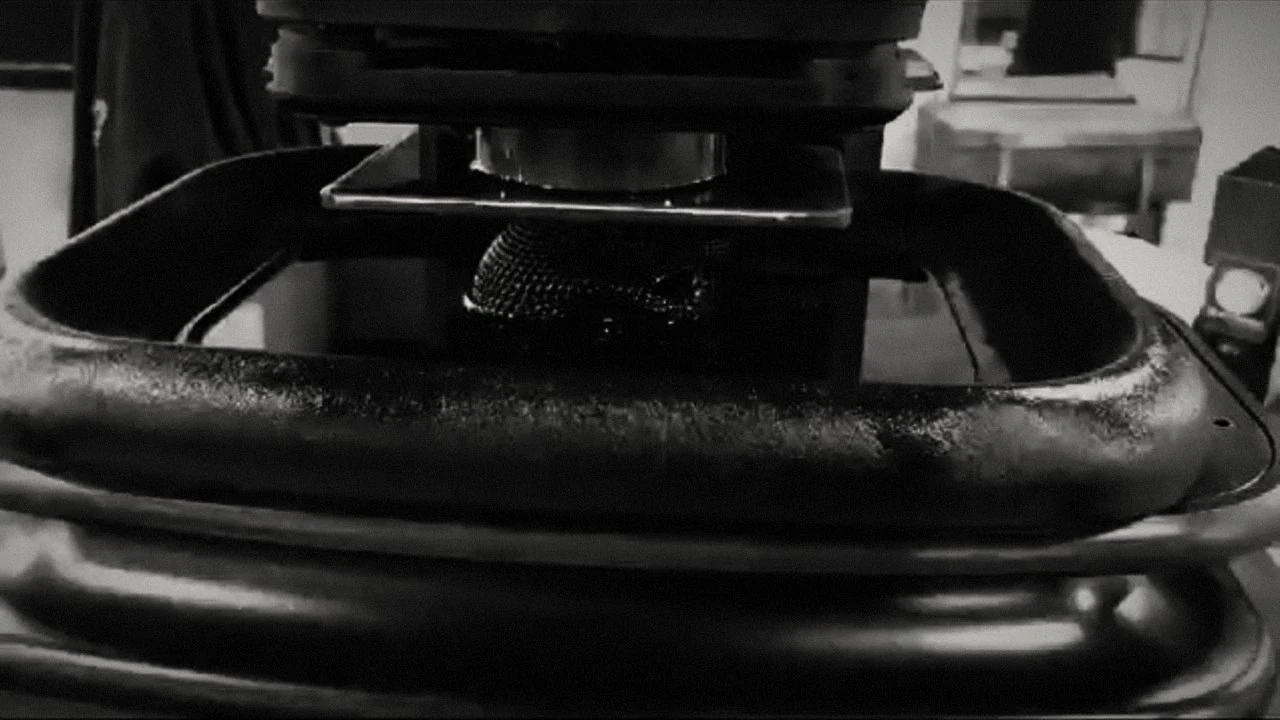
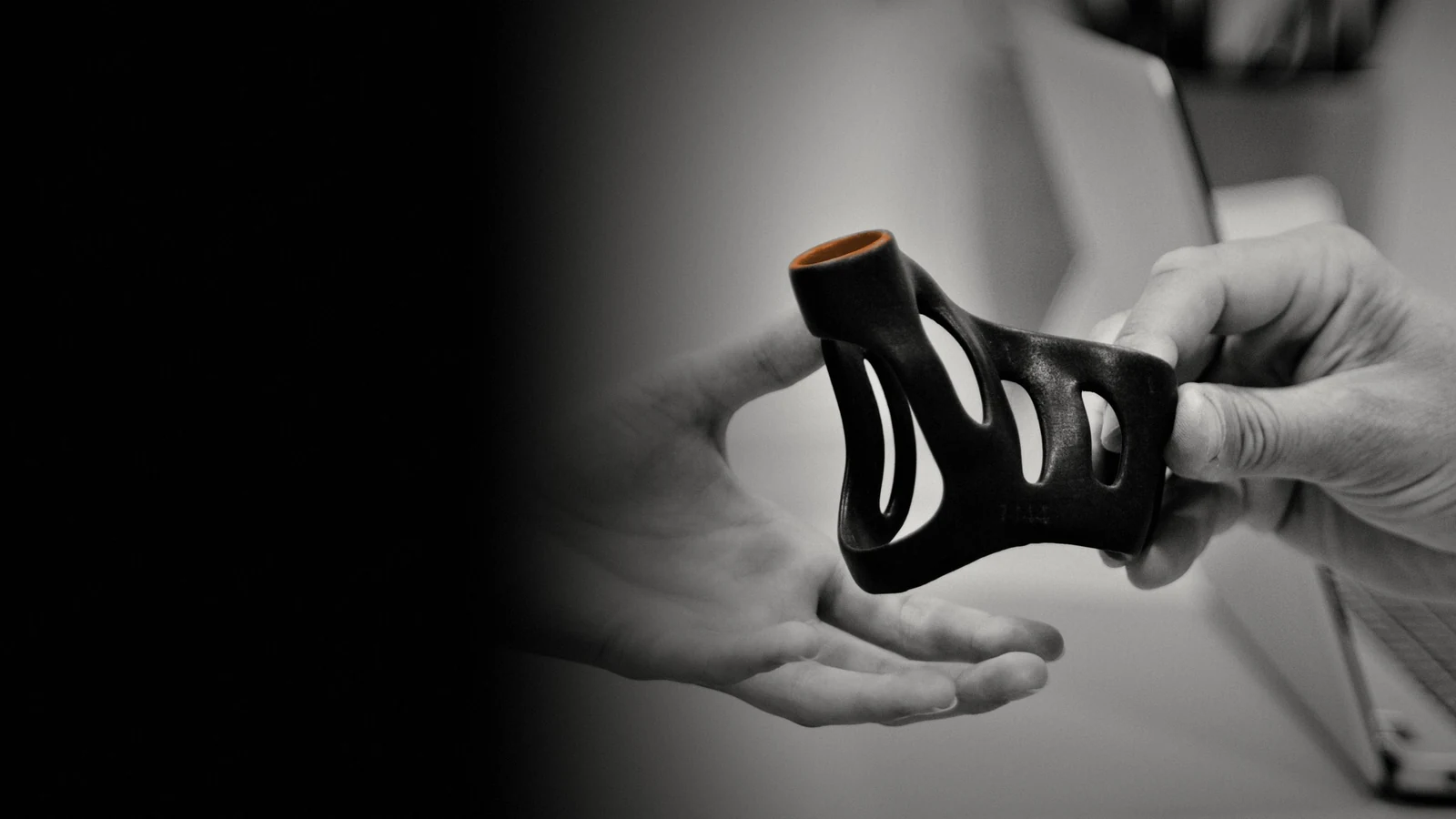
No idea stays digital forever.
A look inside the Gomicron workflow.
06 / BUILT FROM THE INSIDE OUT
One team.
Every dimension.
Gomicron brings hardware, chemistry and software under one roof. We develop AI-native modeling and slicing software alongside our printers, curing systems, signature materials and trays—so intelligence and hardware work together.
Led by founder Marwan Chaar, the team combines experience in 3D modeling, manufacturing, chemical development and software engineering. Our purpose is simple: make advanced additive manufacturing easier to use.

Marwan Chaar
FOUNDER

Mhmd Bakri
CTO

Moalla Ilani
BUSINESS DEVELOPMENT

Tania Haddad
CHEMICAL LEAD

Sawsan Sayad
COO

Mohyddin Tash
SOFTWARE LEAD
07 / GOOD QUESTIONS
A little more
resolution.
What does Gomicron make?
A complete additive manufacturing ecosystem: resin 3D printers, ZPF printing trays, signature resins, preparation software and the M-Curer post-curing unit. The components are developed in-house.
How is DLP resin printing different?
DLP uses projected light to form layers in liquid resin. Gomicron pairs this process with its ZPF membrane technology, focusing on how each printed layer releases from the tray.
What does the software do?
Gomicron’s AI-native software helps generate models from prompts, refine geometry, repair meshes, analyze shapes and generate supports. AI-guided slicing then turns the prepared model into an adaptive layer plan for M2.
How does AI-guided dynamic layer travel work?
The software analyzes the geometry and plans variable layer heights. M2 advances its Z axis to position each exposure at the planned height: smaller steps through detailed regions, and larger steps where simpler geometry allows. Layer-height changes are separate from the lift movement used to release a printed layer.
Why do printed parts need curing?
Post-curing helps strengthen bonding within a resin part. The M-Curer uses UV light with 360° coverage as the finishing step in the Gomicron workflow.
Can I use the resins with another printer?
Gomicron’s resins are designed for use with other resin printing systems as well. Compatibility depends on your printer and process; share your setup with our team for specific guidance.
How do I choose the right setup?
Start with your application: the part, its dimensions, the details that matter, and the material behavior you need. Explore the prices and prepare an order request, or use the project brief below to describe your application.
YOUR NEXT IDEA STARTS HERE
DIGITAL → PHYSICALLET’S MAKE
SOMETHING.
A prototype, a production part, or a possibility you haven’t named yet. Tell us what you want to build.
View pricing & order Contact usCapture your application and requirements in a brief to share with the Gomicron team.